Hello everyone, I just wanted to share the process behind the new header image as you see on my site. This project was more than just taking a random picture off the Internet and upload it to mine. It represents my ambition and also my familiarity with editing tools like Adobe Photoshop like media-specific editing and also multi-layer production.
What This Image Says About Me
The city skyline at night is a vibe I've always been drawn to. For this header, I wanted the image to represent my deep desire to eventually work in a major city. As a Computer Engineering student at Rutgers, I'm constantly looking toward that next step. My target audience is primarily recruiters, and I hope this visual conveys a sense of ambition and a deeper connection to the urban environments where tech innovation happens. It's meant to show that I'm not just looking for a job, but I'm looking for a place where I truly belong.
Finding the Right Source
I found the original high-resolution shot on wallpapers.com. When using external media, it's crucial to ensure you have the right to reuse it. Wallpapers.com allows for reuse as long as the audience attributes the work using a specific URL they provide, which aligns with the Creative Commons requirements for this assignment.
The Production Process
To make the image fit the strategic presentation of my site, I didn't just use the raw file. I utilized a multi-layer production process to have more control over the final look. Here's what I did:
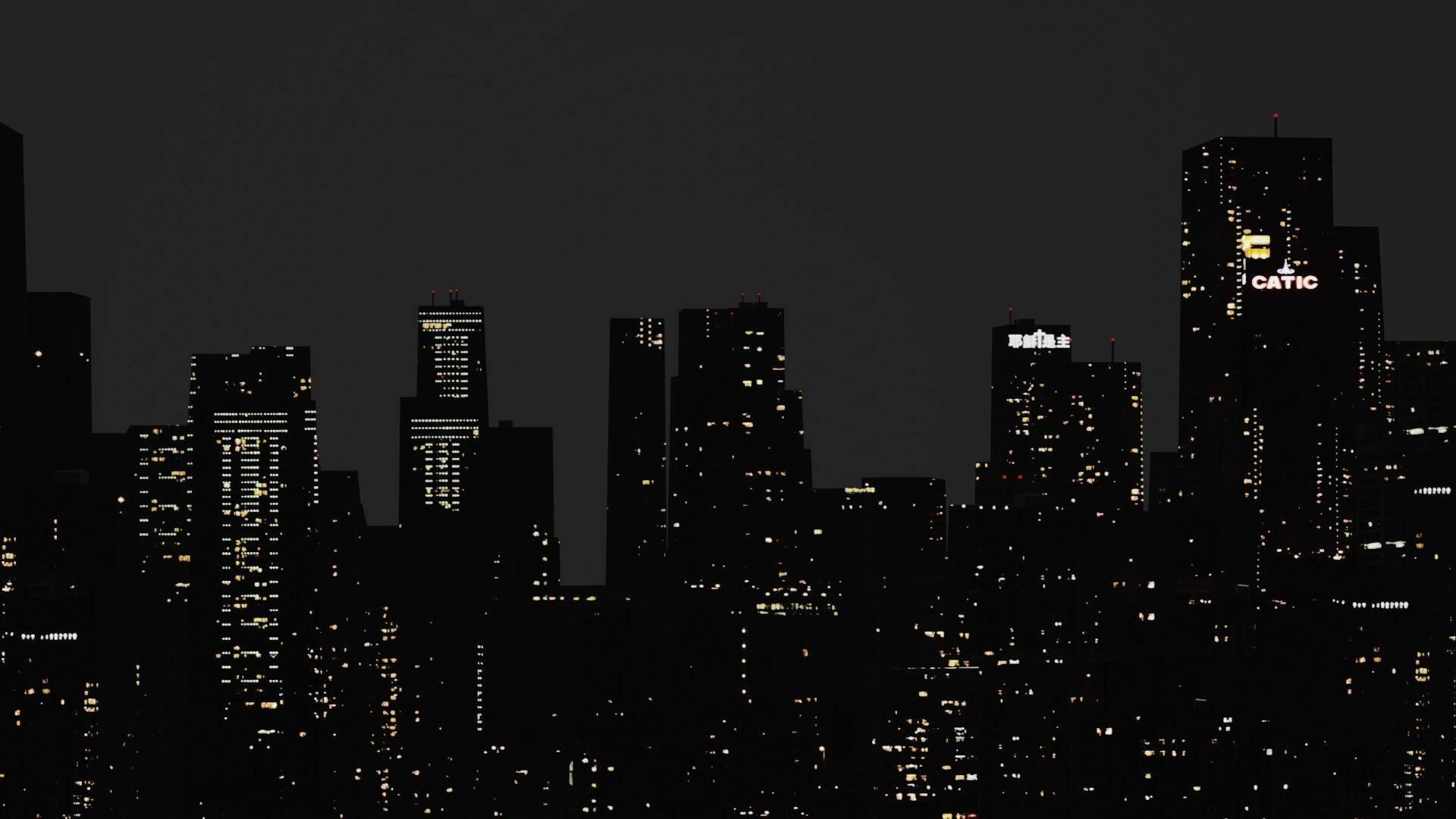
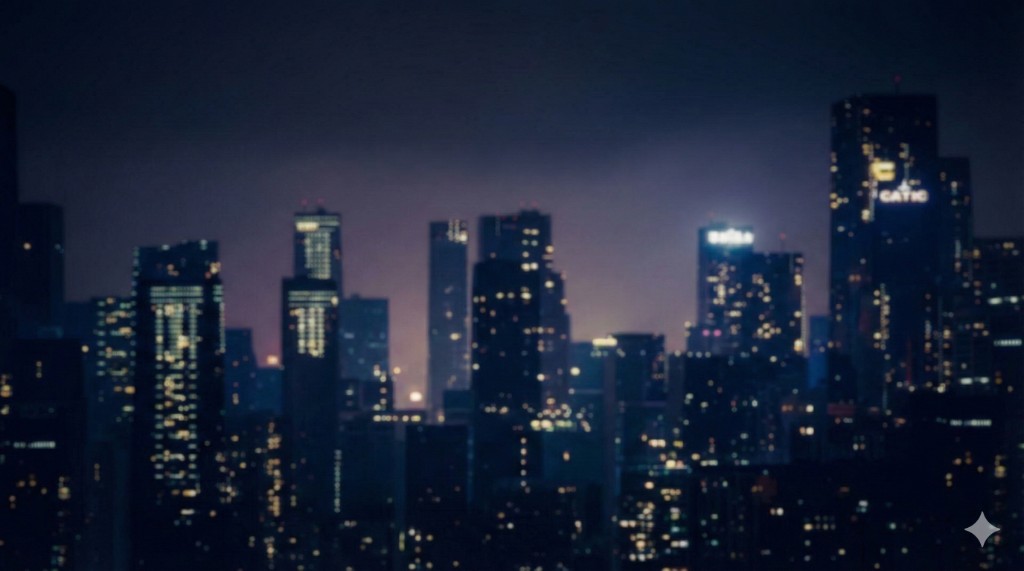
- Color Adjustment Layers: I used separate layers to tweak color tones, making the lights pop while keeping the shadows deep enough to keep my site text readable.
- Blur Effect: I added a subtle blur. This helps the header act as a background element rather than a distracting focal point, which is a key media-specific editing technique.
By understanding the software anatomy, interfaces, and operations, I was able to move beyond just using a tool to compose a digital space.
Layers vs. The Bitmap "Old School"
My process is a far cry from the single-layer bitmap approach described by Patrick Davison in his history of MS Paint. In a traditional bitmap program like MS Paint, the image is a grid of pixels, where each pixel is either on or off. There are no layers, which means every stroke is destructive, but if you paint over something, the original pixels are gone.
Davison notes that MS Paint images are often defined by their "shittiness" and "jaggies" as those stair-step edges caused by a lack of anti-aliasing. While those features create an "authentic computer aesthetics", I wanted the opposite for my professional site. By using modern software to apply blur and layer effects, I've avoided that "low-tech" look. Instead of the "blocky dumps of color" seen in mouse-driven bitmaps, my multi-layered approach enabled smooth transitions and an "aesthetically pleasing" finish needed for a high-quality web header.